Chat with your SEO data
How to ask questions about your SEO data — from the chat inside Miraqo, on the open project, or from the AI connected via the AI Connector (MCP) — with example requests, what uses your plan quota and the monthly limits.
From the chat inside Miraqo
The quickest way needs no connection at all: open a project and click the chat bubble at the bottom right. Besides explaining how to use Miraqo, the assistant can read the data of the open project and answer with the real numbers:
- “Which keywords dropped the most in the latest check?”
- “What are the most serious issues in the latest audit?”
- “Which Search Console queries have lots of impressions but a low CTR?”
- “On which keywords are our competitors beating us?”
- “How many backlinks do we have and which are the most recent?”
Three things to know:
- Only the open project. For another project, open it and ask from there. The assistant sees what your account sees, with the same permissions.
- Read-only. It doesn’t run audits or checks and doesn’t use feature credits. If an action is needed, it tells you where to do it.
- A number of questions per month per organization, depending on the plan:
| Plan | Data questions per month |
|---|---|
| Solo | 30 |
| Starter | 60 |
| Pro | 150 |
| Agency | 300 |
Once the month’s questions are used up, the chat keeps answering about using Miraqo, but without reading the data, and it tells you so. Questions become available again on the first of the month.
From the AI connected via the AI Connector
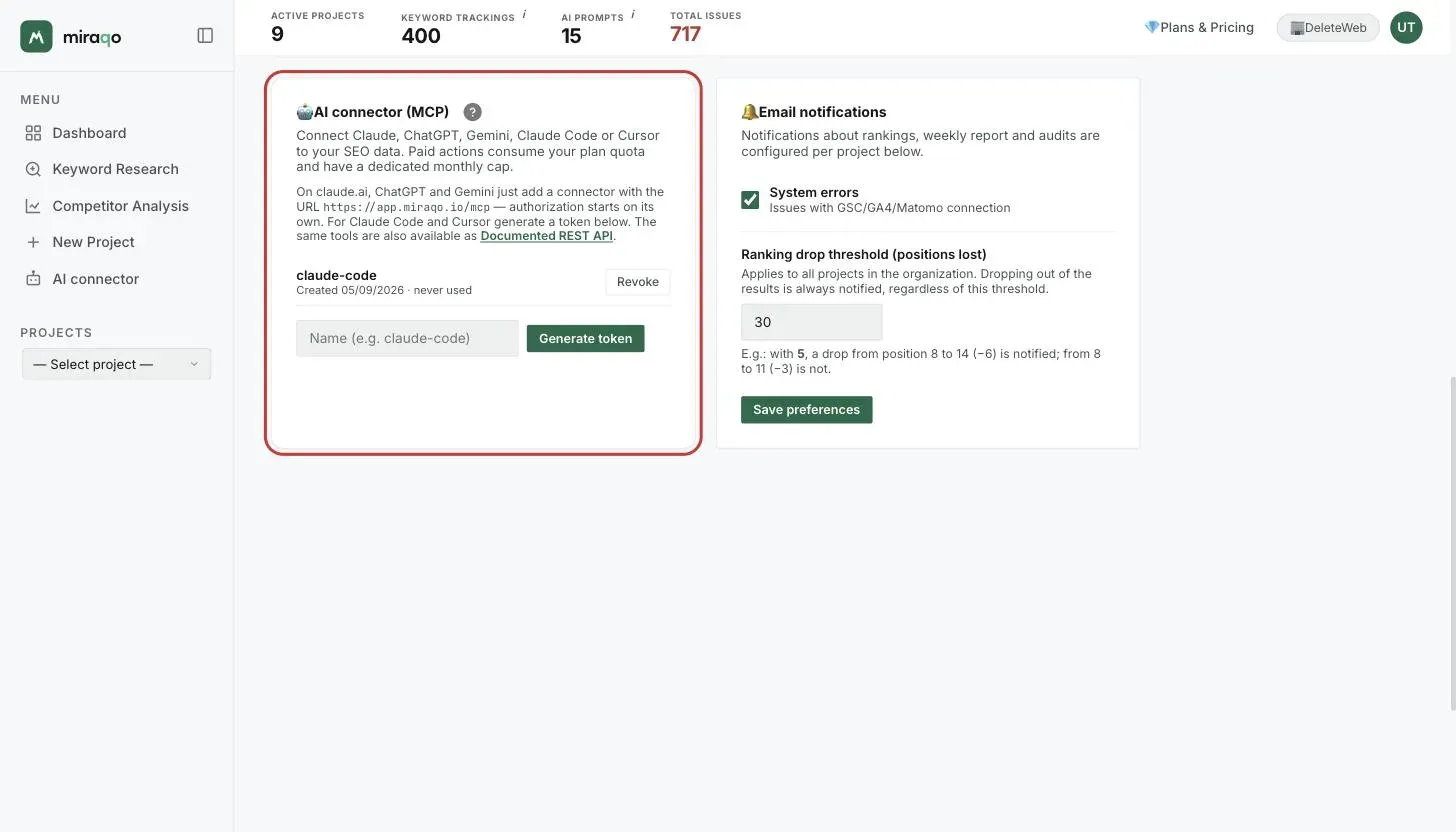
Once your AI is connected via the AI Connector (MCP), you query your Miraqo SEO data by typing normally in the chat. No special syntax. Below are example requests that work well — copy them and adapt them to your project.
Reading data (no quota used)
- “List my projects on Miraqo.”
- “Which keywords did I lose or gain this week on the example.com project?”
- “Summarize the critical issues from the latest audit and tell me where to start.”
- “Show me the new backlinks from the last month and the strongest referring domains.”
- “How am I doing in AI Visibility? Where am I cited and where not?”
- “Compare me with my competitors on the main keywords.”
- “Give me a recap of the topical architecture: pillars, silos and missing bridges.”
One tip: always mention the project name or domain in your request. That’s how the AI knows which project to work on.
Starting actions (uses plan quota)
A word of caution here. Some requests run paid operations: they use your monthly plan quota and have a dedicated monthly cap of connector actions.
- “Start an audit of the site for the example.com project.”
- “Run keyword research on the topic “hiking boots”.”
- “Launch a domain analysis of example.com.”
- “Add a prompt to AI Visibility: “best CRM for SMBs”.”
The AI confirms what it’s about to start; heavy operations run in the background and results also appear in the Miraqo app.
Best practices
One request, one goal. Specific questions get better answers than generic ones, and you can keep an eye on your quota without leaving the chat — just ask “how many connector actions do I have left this month?”. As for privacy: the AI only sees the projects your account has access to, nothing more.
To set up the connection (claude.ai, ChatGPT, Gemini, Claude Code, Cursor) see the AI Connector (MCP) guide.
Last updated: 30 September 2026